
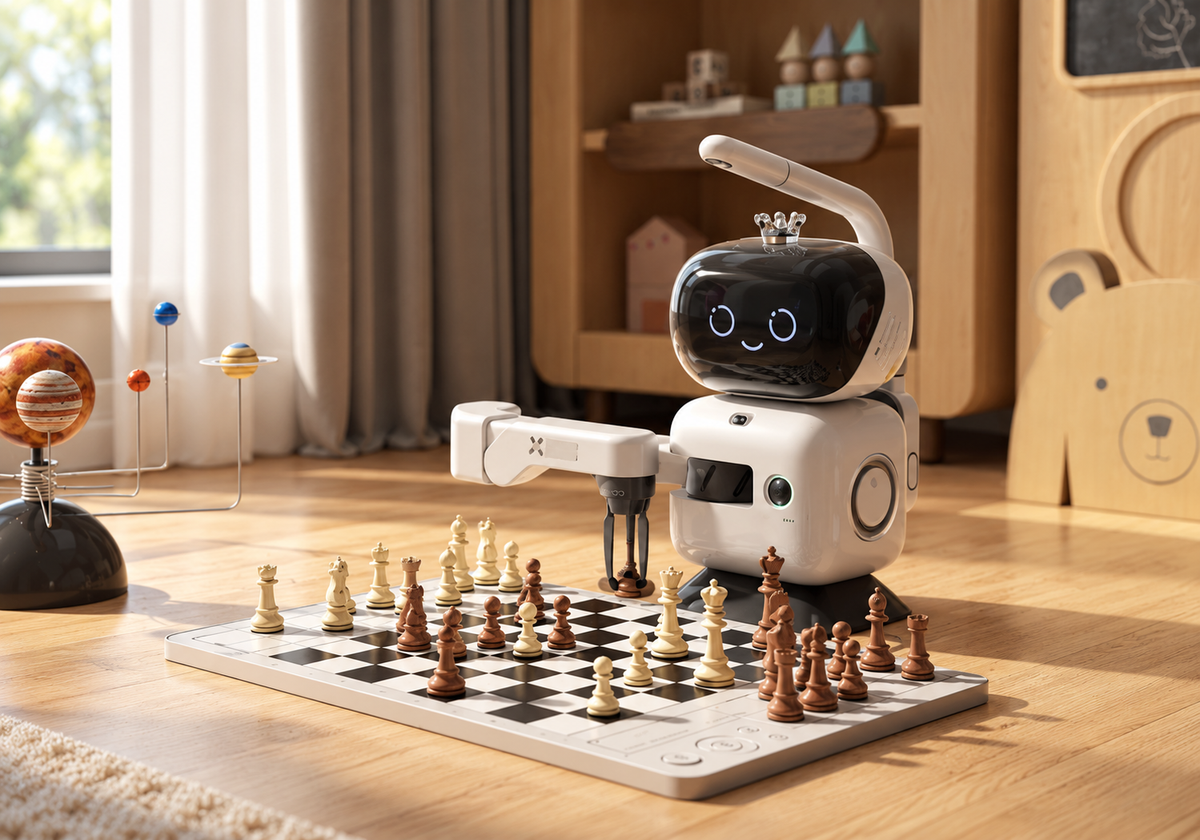
You have set up the chess board for an evening game or a practice session with your child. If the chess robot does not respond as expected or has trouble picking up a piece, you may wonder: is there a simple check you can try, who should you contact, and would a repair be covered?
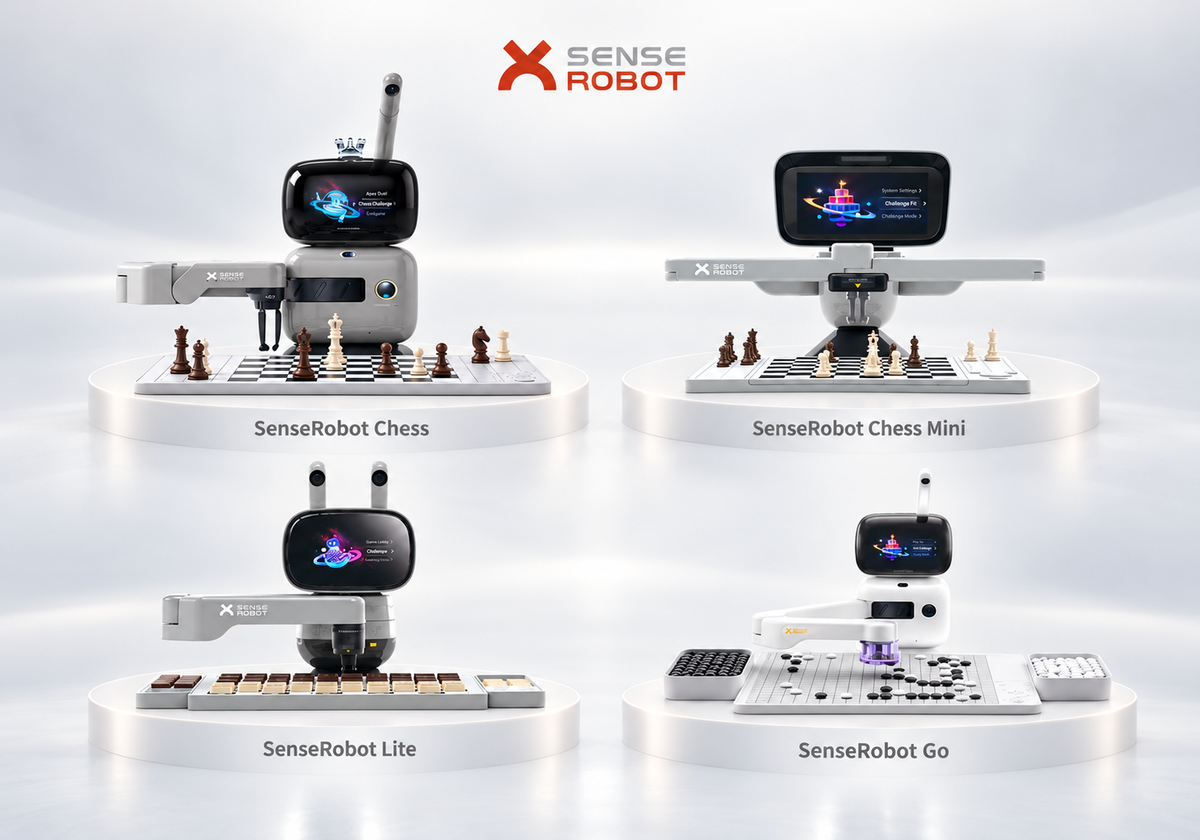
Understanding your SenseRobot warranty helps you take the next step. This guide explains the model-specific terms for SenseRobot Chess, Chess Mini, Chess Lite, and Go, along with how to request support and what to confirm before returning your robot. Still deciding which model to buy? Start with our SenseRobot buyer FAQ.
Quick Summary
- Check your model's manual: early return and replacement periods differ.
- The manuals specify 12-month repair coverage, extended to 24 months in Europe, subject to their warranty conditions.
- Prepare purchase details, device information, and a description of the problem.
- Obtain approval before returning a product.
- Hardware warranty coverage and software security support have separate terms.
SenseRobot Warranty Coverage and Eligibility
The following terms apply to SenseRobot Chess, Chess Mini, Chess Lite, and SenseRobot Go. All periods start from the date of purchase and are subject to the applicable warranty conditions.
| Service | Period from the Date of Purchase | Region |
| Return or replacement | Within 14 days | All regions |
| Free repair | Within 12 months | Outside Europe |
| Free repair | Within 24 months | Europe |
These services cover qualifying functional faults that occur under normal use. The 14-day return or replacement provision is not an unconditional trial or change-of-mind return period.
If you experience a problem, contact our support team with your purchase details and a description of the issue. Support will assess your request and confirm the appropriate next steps. Obtain approval before sending your robot back.
Which Problems Can Be Assessed?
The manuals list faults involving power, displays, speakers, buttons, freezing, and the arm's ability to move or handle pieces. They also identify certain structural, material, and port failures. Describe the symptoms to support so the cause and appropriate service can be assessed.
What May Affect Free Service?
The manuals identify misuse, impact, liquid ingress, unauthorized repairs or modifications, unsuitable accessories, altered labels, expired coverage, and force majeure among their exclusions. Report what happened accurately and ask how the applicable conditions affect your request.
How to Submit a SenseRobot Warranty Claim
Step 1: Prepare Your Information
For a SenseRobot warranty claim, have these details ready where available:
- Order number or proof of purchase.
- Model, serial number, purchase channel, and country.
- A description of the issue and when it began.
- Photos, a short video, or the exact error message.
- Checks you have already attempted.
Our support team may request additional information.
Step 2: Contact SenseRobot Customer Support
Email service@senserobotchess.com for assistance with your serial number and a short video.
For example: “My Chess Mini powers on, but the arm misses pieces after the board was moved. I have attached a video and receipt.” This gives SenseRobot customer support a useful starting point.
Step 3: Follow the Assessment Instructions
Follow checks appropriate to your model. Confirm the proposed remedy, any charges, and whether the device needs to be returned.
Step 4: Get Approval Before Shipping
The official policy requires prior approval for returns. Follow the supplied shipping label and instructions, and keep the tracking information and correspondence.
Basic Checks Before Requesting a Repair
Start with the installation instructions for your model. Make sure the robot rests on a stable surface, the board assembly is secure, and accessible board and power connections are correctly fitted. Keep the arm's movement area clear and use the appropriate pieces.
For Chess Mini placement or grabbing problems, its FAQ recommends checking that the board is level and securely attached. If the board moved after play began, exit and restart the game. Avoid placing pieces while the arm moves, and do not touch its arm or gripper during use.
For Go, avoid folding the silicone board and overfilling the stone bowls. For Lite, keep pieces out of control areas.
Disconnect power before cleaning, use a dry cloth, and avoid direct sunlight and excessive heat. Stop using damaged charging equipment until repaired. For persistent problems, contact SenseRobot customer support or consult the Help Center.
Returns, Replacements, and Repair Shipping
When requesting SenseRobot after-sales support, explain whether the robot arrived damaged, developed a fault, or is an unused item you wish to return. Different reasons can involve different eligibility conditions.
Before dispatch, confirm:
- Return authorization and the shipping destination.
- Packaging requirements and accessories to include.
- Transport costs, labels, and any additional charges.
- Whether the proposed outcome is assessment, repair, replacement, or refund.
Check deliveries promptly and report damaged or incorrect items immediately. Keep the packaging and take clear photos. The official policy provides for inspection before refund approval, with payment-provider processing potentially adding time after an approved refund is issued.
Hardware Warranty and Software Support
Hardware warranty service addresses qualifying product faults. Software security support covers updates intended to address vulnerabilities and maintain product security.
When requesting help, describe whether your question concerns a hardware fault, an existing software function, or a security update.
Finding the Right Support Route for Your Order
Tell support who sold you the robot, where you purchased it, and where you are located. For Amazon or retail purchases, include the seller name and receipt so the appropriate process can be confirmed.
Check the documentation for your exact model and version. For example, the Go manual referenced here identifies its warranty table as Go Professional. For questions about a SenseRobot Chess Mini order or another model, contact support with your purchase details.
Frequently Asked Questions
How Long Is the SenseRobot Warranty?
Repair coverage is generally 12 months, extended to 24 months in Europe under the manuals' conditions. Check the table for model-specific return and replacement periods.
What If the Robotic Arm Stops Moving?
Unplug the power, wait 30 seconds, then reconnect it. If the arm stops only during play, check the board attachment, cables, and level surface, then exit and re-enter the game. Contact support if the issue continues, and do not force the arm.
What Information Should I Send?
Purchase details, model, serial number, location, and a clear description or video are useful starting points. Include any checks already attempted.
Can I Return the Robot Without Approval?
Contact support first. The official policy requires approval before returning a product.
Who Pays for Return Shipping?
Confirm transport costs, labels, and any additional charges for your particular request before dispatch.
What If I Bought From a Retailer?
Provide the seller name and purchase details so support can confirm the appropriate route.
Can I Get Help After Coverage Expires?
Yes. Contact support with your serial number and a description or video of the issue. The team can help assess the problem and confirm available repair options and any charges before you proceed.