
Step 1: Notice What Keeps Them Interested
- They Want to Play with Someone
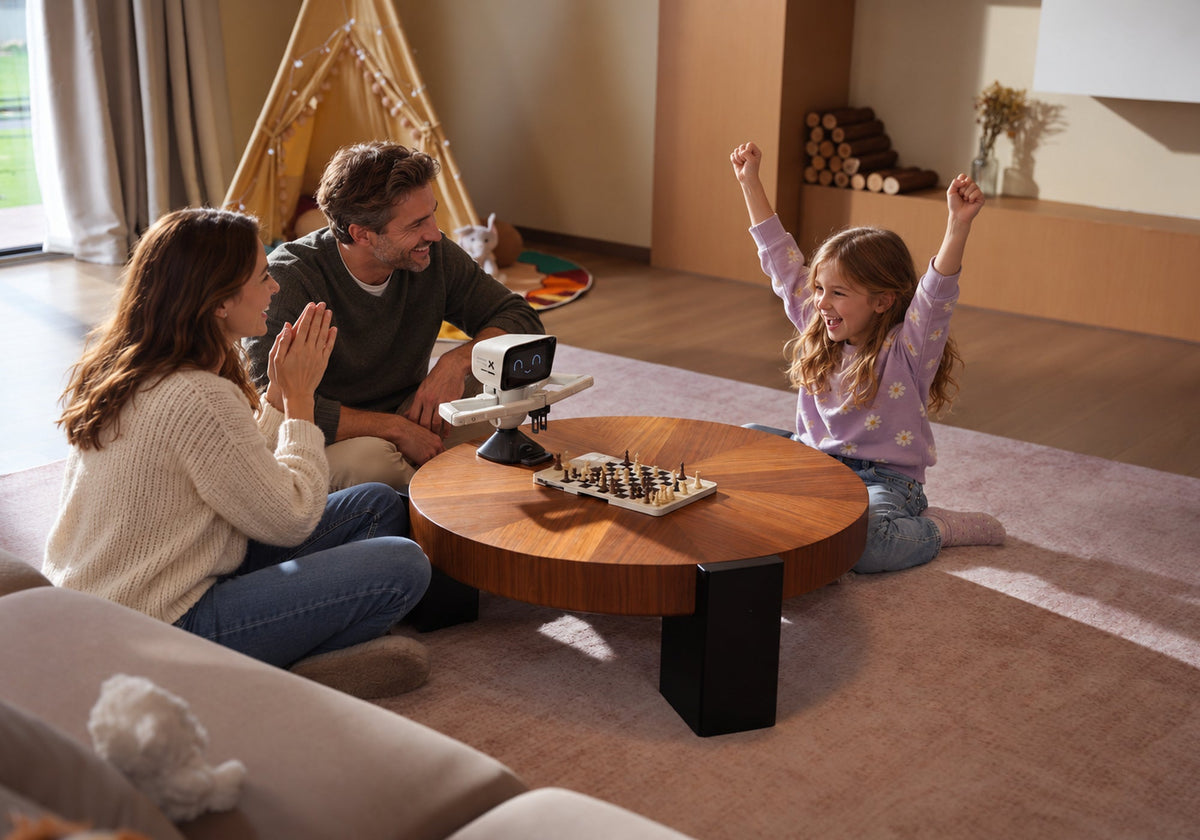
If the child asks family or friends to play, the attraction may be shared time. Start with an easy-to-set-up board, or consider a welcoming club. The adult can learn alongside the child.
- They Enjoy Puzzles and Short Goals
Some children prefer a checkmate puzzle or small endgame to a long game. Look for illustrated workbooks, learning cards or puzzle tools with one clear task at a time. Check whether the feedback encourages another attempt.
- They Want a Stronger or More Available Opponent
A child may finish games but lack a suitable opponent. Compare clubs, coaches, online matching, adjustable AI and chess robots. Seek understandable decisions rather than the strongest available engine.
- They Are Drawn to Pieces, Robots or Coding
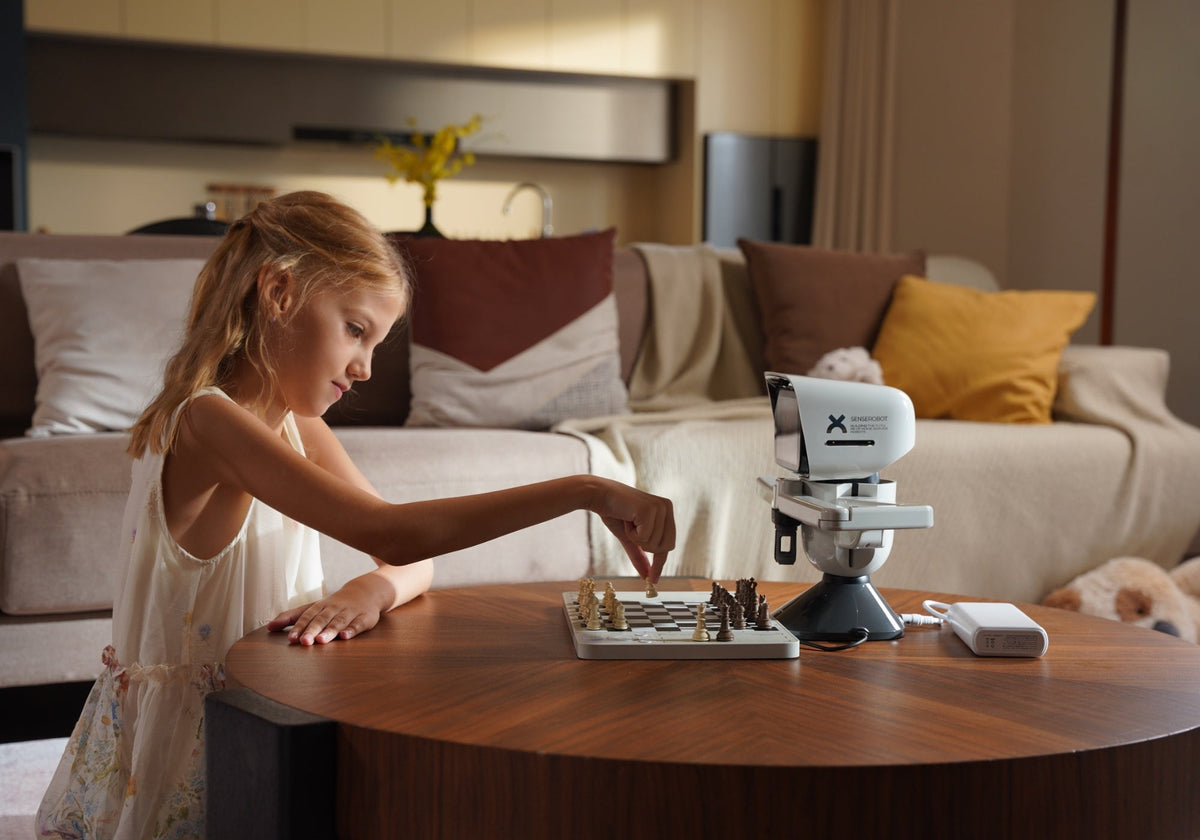
For some children, physical movement and robotics are part of the attraction. A SenseRobot chess robot may give them another reason to approach the game, while separate STEAM activities can extend that interest beyond the chessboard.

Step 2: Identify What They Can Do Now
- Exploring Pieces and Simple Goals
Your child recognizes some pieces, but a full game is still unclear. Choose clear pieces and short activities such as learning one move, finding a capture, or understanding checkmate.
- Playing Complete Games with Guidance
Your child finishes games but often sees only their own plan. Choose a tool or opponent that allows a short prompt or retry without interrupting every move.
- Solving Short Challenges Independently
Your child understands simple tactics or endgames and will retry a position. Workbooks, learning cards and graded exercises add variety. Look for feedback that supports the next decision.
- Looking for More Varied Opponents
The child completes games consistently and needs more variety. Compare peer play, a club, coaching, online matching, adjustable AI or a physical chess robot.

Step 3: Choose the Tool That Solves the Next Need
- A Traditional Chess Set
A physical set supports family games and lesson positions. Check piece clarity, board size and storage. Because a board provides neither opponent nor instruction, decide what will support it.
- Books, Workbooks and Learning Cards
These suit children who enjoy pictures or short tasks. Review sample pages for reading level, notation, diagrams and whether a board is needed. A simple, understandable resource can beat a famous advanced book.
- Apps and Online Platforms
Digital tools provide puzzles, lessons and other players. Before subscribing, check features and renewal terms. An adult should review privacy, chat and matching controls.
- Clubs, Coaches and Peer Play
Choose this route for human explanation, social play or competition. Check teaching experience, club atmosphere, time, travel and fees. If the child is stronger than adults at home, suitable peers may help more than another book.
- Electronic Boards and Chess Robots
These provide a physical opponent, adjustable AI or supported online games on a real board. Compare levels, feedback, platforms, space and services. Name the activity the child will use before paying more.

When SenseRobot Chess Mini is a Practical Chess Gift for Children
1. A Physical Opponent on a Real Board
Unlike a book or screen-only app, Chess Mini’s robotic arm makes the opponent’s moves on the real board. It provides a physical opponent when nobody is available, while its compact design suits a shared table or another suitable playing space.
2. Adjustable Levels for Different Stages
Chess Mini offers 19 regular AI levels ranging from Elo 200 to 1700, allowing families to adjust the challenge as their child’s chess skills develop. For a greater challenge, Apex Duel is a separate high-strength mode equivalent to Elo 3200.
3. Guided Practice Beyond Full Games
Chess Mini can work as a tutor-like practice companion through exercises, classic games and endgames. Hints, illegal-move feedback and takebacks support another attempt, while the family still chooses content suited to the child.
4. Supported Online Play on the Board
Mini supports Lichess and Chess.com through ChessConnect, bringing the online opponent’s moves onto the physical board. Setup and account management may still require a supported device and adult help. If you need Instruction, read our blog about playing online chess on a physical board with SenseRobot.
|
Chess Mini may fit when
|
Start with another tool when
|
|
The child clearly wants a physical opponent
|
The child is still learning basic piece movement
|
|
The family lacks a regular playing partner
|
The child mainly wants social time with peers
|
|
Adjustable AI levels solve a real need
|
A basic set and beginner resource already solve the current need
|
|
The child returns to exercises, endgames or robot interaction
|
The family cannot yet describe how the device will be used
|
|
Supported online games should appear on a real board
|
Space, setup or account requirements do not fit the household
|
The Short Version
Frequently Asked Questions
-
What Is the Best Chess Set for a Child Who Is Just Starting?
-
Should I Choose Chess Equipment by Age or Skill Level?
-
Does a Child Need More Than One Chess Learning Tool?
-
When Is a Chess Robot Worth Considering for a Child?